|
ASUSTOR Newsletter March 2026 Issue 268 |
|
|---|
|
Snapshots Make Data Recovery Convenient and Easy
|
|
|---|
|
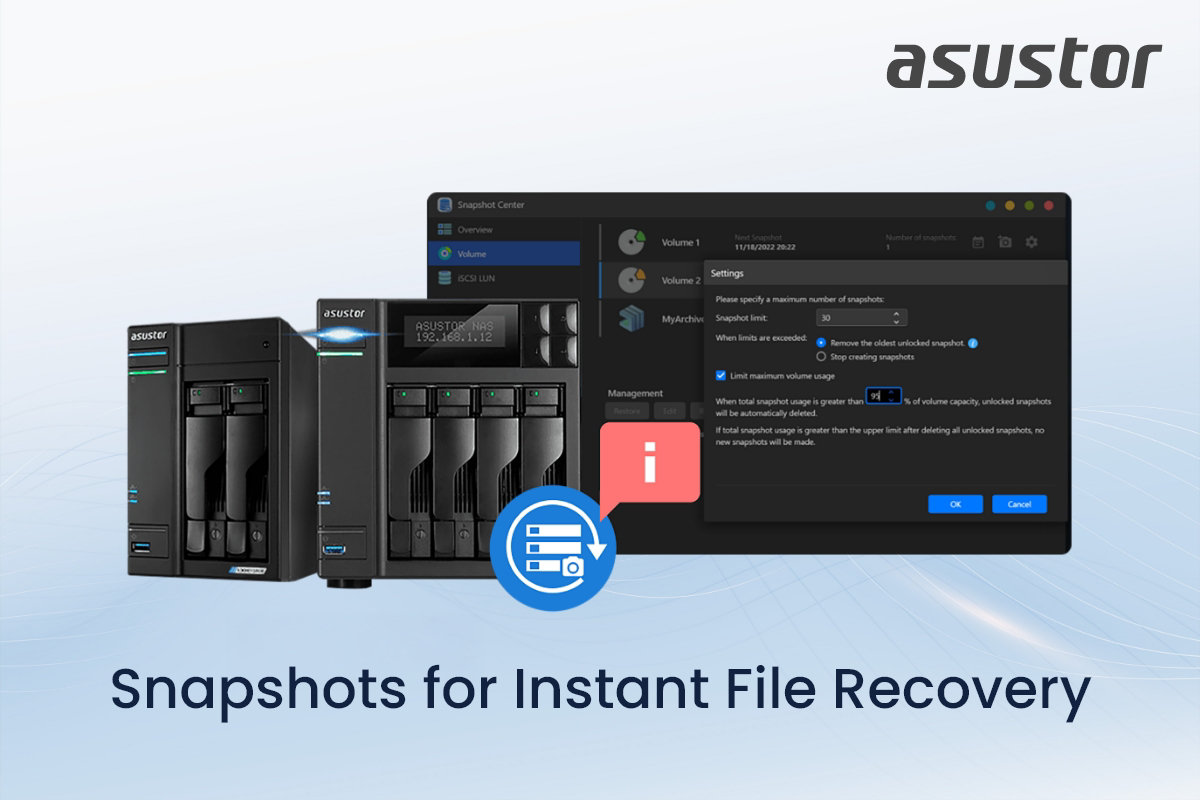
Your ASUSTOR NAS comes with numerous backup solutions that help you keep your data safe. ASUSTOR not only makes it easy to perform 3-2-1-1-0 backups to keep your data safe, but convenient to restore with the addition of snapshots. Recovering from data loss can be time consuming and tedious as backups may need time to restore. ASUSTOR’s myriad of data protection measures not only provide a first line of defense, but also make restoration of data easy and quick. In this newsletter, we take a look at one such measure, that is, snapshots.
ASUSTOR NAS devices support snapshots to help recover data in some data loss scenarios before resorting to backups. Snapshots keep a copy of the changes to files saved on your ASUSTOR NAS. When data is modified or deleted unintentionally or by unauthorized parties, snapshots can turn back the clock on data, rescuing data from unintentional or unauthorized changes.
|
|
|---|
|
Snapshots are Great at Saving You Time
|
|
|---|
|
Backups are the foundation of data protection. Snapshots help make data recovery convenient.
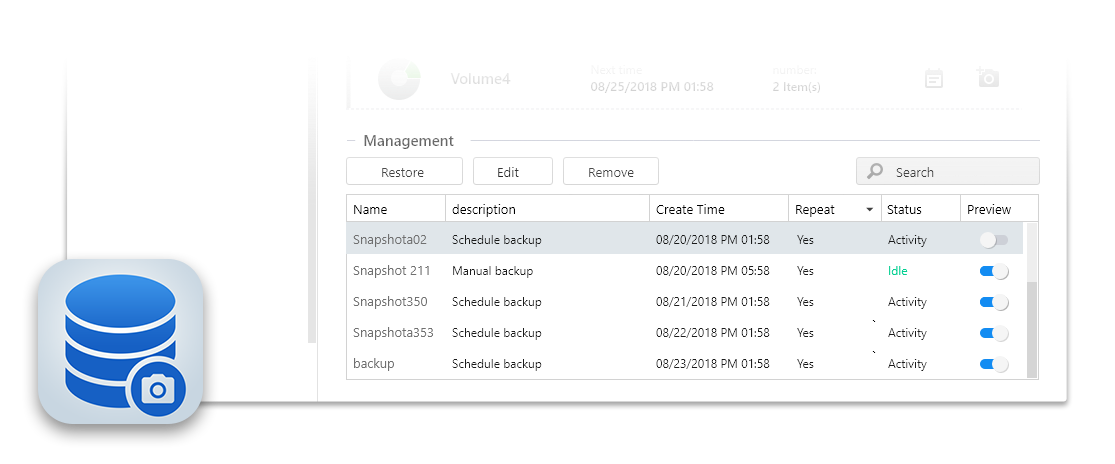
- Convenient: Data restoration is easy to set up and implement in Snapshot Center.
- Speedy: Data restoration is quick and painless.
- Effective: Snapshots can even restore files affected by ransomware in most cases.
|
|
|---|
|
Snapshots: A Real-Time Protection Mechanism
|
|
|---|
|
A snapshot can be considered a real-time status record of data at a specific point in time and record changes made to files, making for an efficient method of recovery.
With snapshots, you are:
- Able to restore files or folders to a specific point in time.
- Able to immediately recover accidentally deleted or overwritten data.
- Able to revert changes without restoring the entire backup.
In practical applications, snapshots, alongside ADM’s other data protection features, serve as the first line of defense against data loss, effectively reducing downtime. |
|
|---|
|
How to Set Up Snapshots on ADM
ASUSTOR NAS devices provide a simple and intuitive management interface through Snapshot Center in ADM. The basic setup process is as follows:
- Open Snapshot Center
- Select Storage Space or Shared Folder
- Set Snapshot Schedule
- Set Retention Policy
- Apply and Continuously Monitor
|
|
Snapshots and Backups: A Complementary Protection Architecture |
|
|---|
|
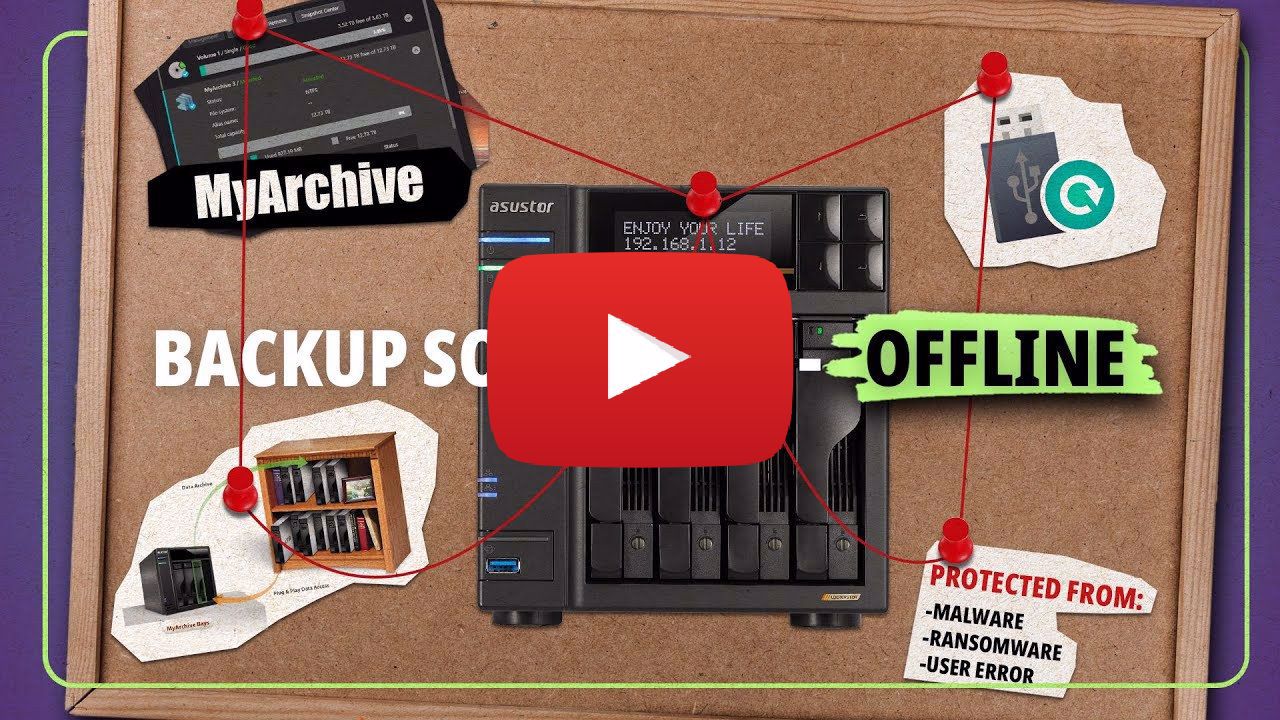
Snapshots do not replace backups but form a complementary relationship. Snapshots provide short-term, quick recovery capabilities, suitable for handling immediate changes. Snapshots can cannot recover data from scenarios they are not designed to protect against. Backups remain the king of data recovery.
By combining both, snapshots can help balance recovery times and data integrity when data loss occurs, establishing a more comprehensive protection architecture. Adopting multipronged strategy of tools like snapshots with backups, data risks not only can be mitigated significantly, but also enhance stability and reduce downtime, transforming data management from reactive protection to a more proactive strategy. |
|
|---|
|
GNU Inetutils
A critical security vulnerability has been discovered in GNU Inetutils versions 1.9.3 to 2.7.
None of ASUSTOR's products are affected by CVE-2026-24061 as GNU Inetutils is not used in ASUSTOR products.
|
|
|---|
|
ADM
An improper input validation vulnerability was found in ADM while joining a AD Domain. When a specific function is enabled while joining a AD Domain from ADM, an improper input parameters validation vulnerability in a specific CGI program allowing an unauthenticated remote attacker to write arbitrary data to any file on the system. By exploiting this vulnerability, attackers can overwrite critical system files, leading to a complete system compromise.
Multiple improper certificates validation vulnerabilities have been reported to affect ADM:
- When updating the DDNS settings in ADM
- When sending HTTPS requests to the server
- When querying an external server for the device's WAN IP address
- In a third-party NAT traversal module
Affected products and versions include: from ADM 4.1.0 through ADM 4.3.3.ROF1 as well as from ADM 5.0.0 through ADM 5.1.1.RCI1.
- The issues have been fixed on ADM 5.1.2.RE51.
|
|
|---|
|
ASUSTOR’s Lockerstor 4 Gen3 is the Only NAS to Take the PCMag Crown |
|
|---|
|
ASUSTOR’s flagship model, the Lockerstor 4 Gen3, has been officially recognized as one of the Best Tech Products of 2025 by PC Magazine, following its earlier Editors’ Choice rating—a well-deserved affirmation from the tech community. Often regarded as the Oscars of the tech industry, this award involves rigorous testing and performance evaluation of thousands of products submitted throughout the year, with only the most outstanding earning editorial praise. Being included in this category reflects unmatched levels of technical innovation and user experience. The Lockerstor 4 Gen3 demonstrates this with its AMD Ryzen Quad-Core processor, 16 GB of ECC DDR5 memory, four PCIe 4.0 M.2 slots for NVMe SSDs, dual USB4 ports, and dual 10GbE and 5GbE network ports, ensuring maximum speed and eliminating bottlenecks for data transfer and content creation. These capabilities cement its reputation as the only NAS product to receive this prestigious honor in 2025. |
|
|---|
|
| |
| |
|
| |
|
|